Introduction
The success of a mobile application isn’t determined only by its features, visual appeal, or marketing strategy. A critical factor that often determines whether a mobile app succeeds or fails is the quality of the user experience and that starts with rigorous testing.
In today’s hyper-competitive digital ecosystem, users expect smooth performance, strong security, and intuitive usability. A single bug, crash, or performance glitch can result in negative reviews, uninstalls, and a damaged brand reputation.
To mitigate these risks, teams must follow a mobile app testing checklist to ensure that every detail is reviewed and rectified before the app goes live. Whether you are preparing for a soft launch or a global rollout, having a structured and comprehensive checklist for testing mobile application helps streamline the QA process and ensures a stable, user-ready product.
In this blog, we’ll break down what a mobile app testing checklist is, why it matters, and how to use it effectively before launch. We’ll also explore key testing stages, detailed pre-launch checkpoints, and expert tips to optimize your application testing strategy.
What Is a Mobile App Testing Checklist?
A mobile app testing checklist is a structured list of essential testing activities, validations, and verifications that a QA team must complete before releasing an app. It provides a clear framework that ensures critical areas such as functionality, performance, security, usability, and compatibility are thoroughly evaluated.
Unlike ad-hoc testing, where issues may be discovered late or overlooked entirely, a checklist ensures consistency and reliability across the entire QA lifecycle. It acts as a guide for testers, project managers, developers, and stakeholders to track progress and confirm readiness for launch.
For teams new to testing or are just starting to build the foundation of their testing strategy, exploring the basics of what is application testing can provide additional clarity on testing methodologies and best practices.
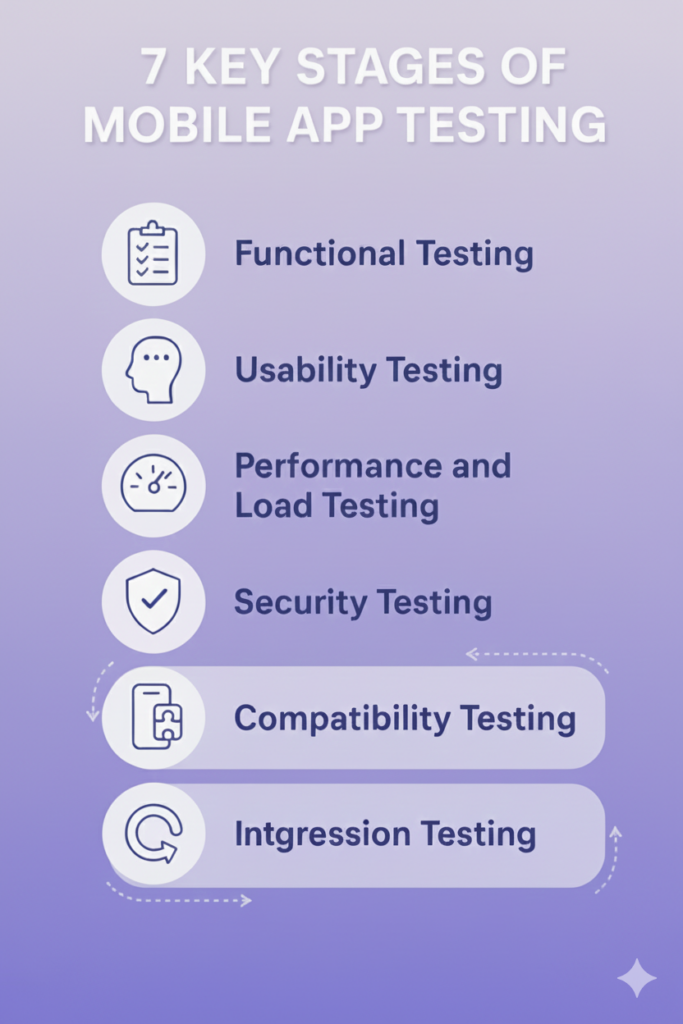
Key Stages of Mobile App Testing
A robust mobile testing checklist is built on the core stages of app testing. These stages ensure maximum coverage and uncover potential issues early in the development cycle.
1. Requirements Analysis
This stage ensures that both business and functional requirements are clearly understood. It helps QA teams identify test conditions, edge cases, and potential risks early – long before code is written.
2. Test Planning and Strategy
Here, teams define the testing scope, tools, environments, timelines, resource allocation, and success metrics. The strategy should account for device diversity, OS fragmentation, and performance thresholds.
3. Test Case Design
QA engineers document detailed test cases, acceptance criteria, and expected outcomes. This step enables repeatable, structured validation of functionality and user flows.
4. Environment Setup
Setting up real devices, emulators, network conditions, test data, and integrated systems ensures tests reflect real-world usage. Cloud device farms have become particularly valuable at this stage.
5. Functional Testing
Testers verify that each feature works as intended, from onboarding to settings to third-party integrations. This stage often surfaces logical errors, broken links, and missing interactions.
6. Usability Testing
Usability testing assesses clarity, simplicity, and intuitiveness. The goal: determine whether users can complete tasks effortlessly and enjoyably.
7. Compatibility Testing
With hundreds of devices in the market, compatibility testing ensures the app works consistently across different screen sizes, operating systems, and hardware configurations.
8. Performance Testing
Load, stress, and stability tests help determine how the app behaves under varying conditions, right from slow networks to high traffic peaks.
9. Security Testing
Cyber risks are increasing, making security testing a non-negotiable stage. Teams validate data encryption, authentication, session handling, API security, and potential points of vulnerability.
10. Regression Testing
Before any release, teams re-test previously validated features to ensure new updates didn’t break existing functionality.
Each stage builds upon the last, ensuring the final product is robust, reliable, and ready for users. Comprehensive support in these areas can be enhanced using well-structured software testing solutions that streamline processes and increase efficiency.
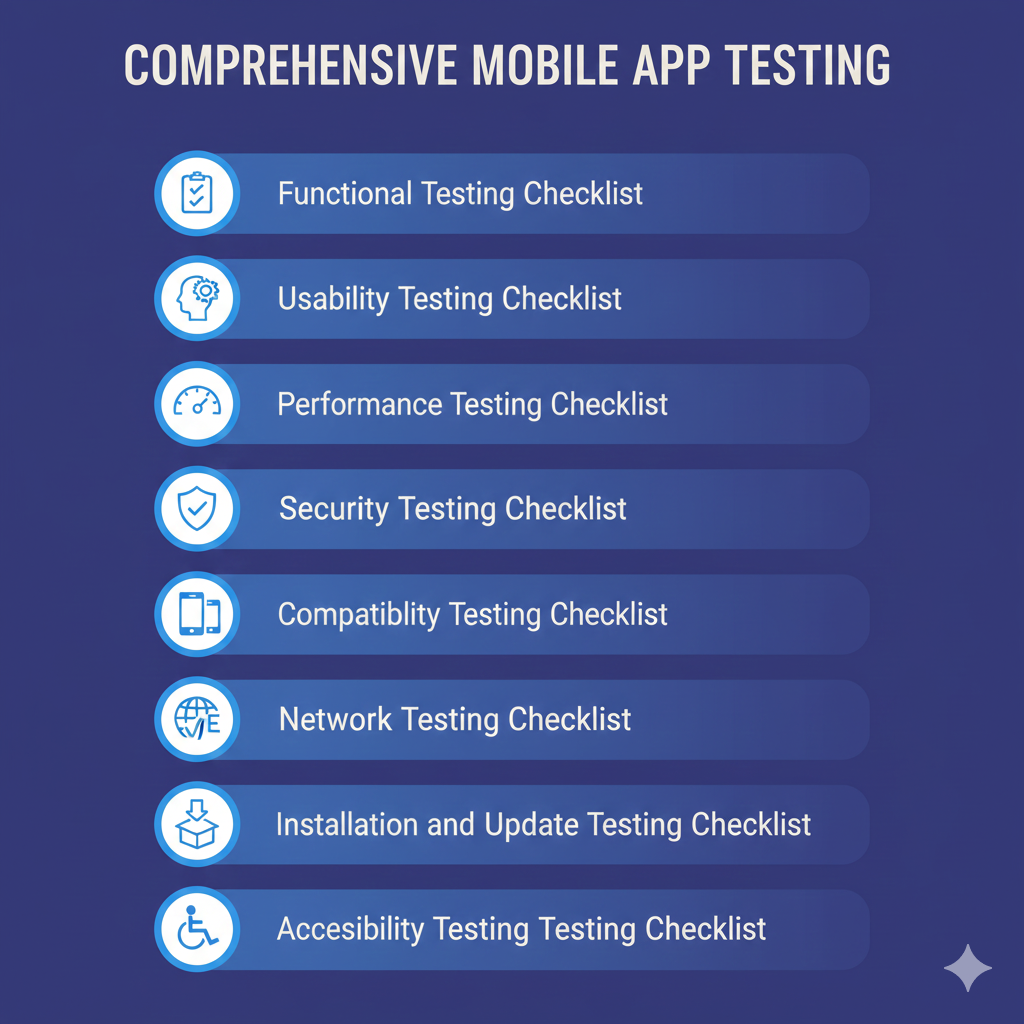
Comprehensive Mobile App Testing Checklist Before Launch
Below is the complete checklist for mobile application testing, covering the most crucial validation steps before your app hits the market:
1. Functional Testing Checklist
- Verify signup and login using email, phone, OTP, and third-party platforms.
- Validate core workflows — adding items to cart, booking service, scheduling tasks, sending messages, etc.
- Confirm button clicks, swipe gestures, scroll behavior, and touch accuracy.
- Test whether push notifications work correctly and appear at the right time.
- Ensure all links redirect to correct screens or URLs.
- Validate backend data synchronization.
2. Usability Testing Checklist
- UI layout should remain consistent across all screens.
- Navigation should be intuitive with minimum user effort.
- Font size and contrast must support readability.
- Forms must include clear error messages and auto-correct options.
- Onboarding should be simple and guide users through features.
- App should support both portrait and landscape modes where relevant.
- For deeper insights on ensuring quality user experience, refer to mobile application testing techniques covering UX-focused testing strategies.
3. Performance Testing Checklist
- Monitor app speed during peak usage.
- Evaluate the app under weak network conditions (2G, 3G, 4G, slow Wi-Fi).
- Check whether animations and transitions run smoothly.
- Validate app behavior when the device battery is low.
- Test app response during multi-tasking or switching between apps.
- Identify memory leaks or unusually high CPU usage.
4. Security Testing Checklist
- Verify that passwords are encrypted and stored securely.
- Enable secure communication using SSL/TLS.
- Test defenses against SQL injection, XSS, CSRF, and data breaches.
- Validate the privacy policy and permission requests.
- Ensure secure data storage when the device is rooted or jailbroken.
- Test session timeouts and login expiration policies.
5. Compatibility Testing Checklist
- Test across multiple OS versions (iOS/Android).
- Verify screen rendering on various screen sizes and resolutions.
- Evaluate app behavior on different brands (Samsung, OnePlus, Apple, Xiaomi).
- Check compatibility with tablets and foldable devices.
- Assess how dark mode and accessibility features impact the UI.
6. Network Testing Checklist
- Validate offline mode functionality.
- Test how app behaves during sudden network drop.
- Ensure app can resume uploads/downloads after reconnection.
- Confirm error messages are displayed correctly during network failures.
7. Localization Testing Checklist
- Validate translations and language formatting.
- Ensure text does not overflow when translated.
- Check region-specific features (currency, date formats, units).
- Test right-to-left language support (Arabic, Hebrew).
8. Installation and Update Testing Checklist
- Test first-time installation from the app store.
- Validate behavior during app updates without losing data.
- Confirm rollback compatibility if an update fails.
- Ensure installation in low storage scenarios.
9. Accessibility Testing Checklist
- Test app compatibility with screen readers such as VoiceOver or TalkBack.
- Validate alternative text for images and buttons.
- Ensure color-blind friendly contrast.
- Check keyboard navigation support where applicable.
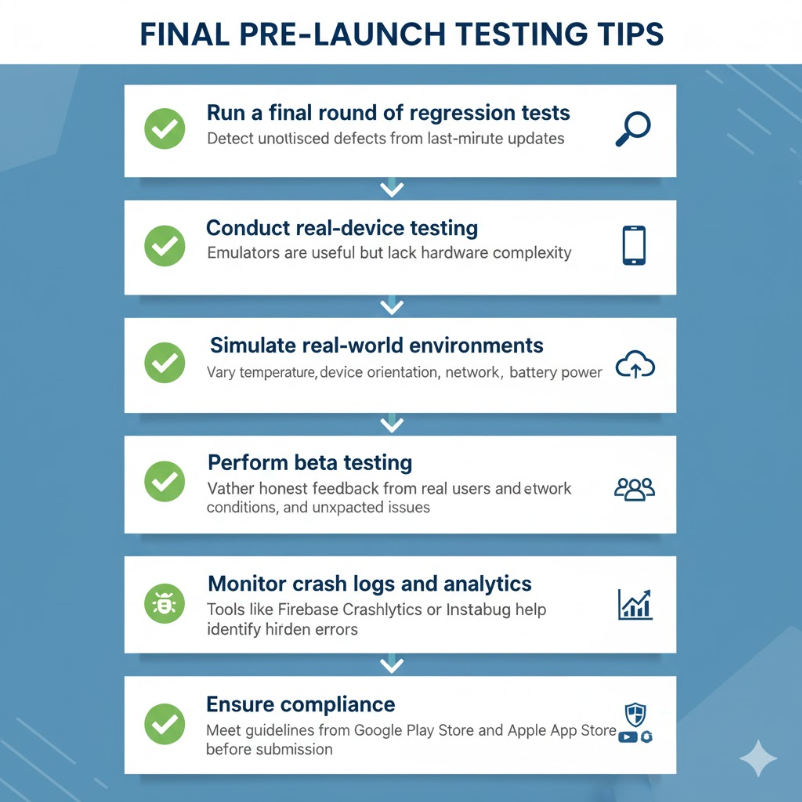
Final Pre-Launch Testing Tips
Even with a solid mobile app testing checklist, a few additional best practices can elevate your product from good to exceptional:
1. Do a “Fresh Eyes” Review
Have someone unfamiliar with the product complete a series of tasks. Fresh perspectives often reveal hidden usability issues.
2. Test in Real-World Conditions
Simulate scenarios like poor network, background app switching, or battery saver mode to understand true end-user behavior.
3. Run a Controlled Beta
Invite a group of real users to test the app in live environments. Beta testing uncovers insights that lab testing can’t reproduce.
4. ValidateAnalytics Tracking
Ensure all key events, funnels, and KPIs are tracked accurately before launch. Missing data is expensive to fix later.
5. Double-Check Release Builds
Verify that the correct build is prepared for production, with debug modes disabled and SDK keys configured properly.
Conclusion
A well-defined app testing checklist can make the difference between a smooth launch and a disastrous one. Each testing stage—from functionality to compatibility—plays a vital role in ensuring that users receive a stable, secure, and intuitive app experience.
By following this comprehensive mobile testing checklist, you are not only eliminating defects but also improving user satisfaction, engagement, and long-term app adoption. Whether you are a startup, enterprise, or independent developer, investing time and effort in systematic testing pays off significantly in the long run.
For complex testing requirements, leveraging expert-driven software testing solutions can help you increase coverage, reduce testing time, and deliver higher-quality mobile apps.
FAQs
A mobile app testing checklist is a structured list of tasks that guides QA teams in validating app functionality, performance, compatibility, security, and usability before launch. It ensures the app is thoroughly tested and ready for release.
It helps prevent app crashes, bugs, security risks, and user dissatisfaction. A checklist ensures comprehensive coverage and improves the overall quality of the application.
Functional testing, usability testing, performance testing, security checks, compatibility tests, regression testing, installation tests, and network testing are key components.
Test using a structured checklist, perform real-device testing, conduct beta testing, review performance logs, verify user flows, and validate app store compliance.
Manual testing involves human testers checking features and usability manually. Automated testing uses scripts and tools to test repetitive tasks quickly and efficiently, offering faster coverage but requiring setup effort.